Streaming
Switch OBS scenes, manage sources and combine chat actions with the rest of your stream workflow.
Streaming integrations
Windows editor Android control deck
Build a control deck for streaming, Windows and smart home. Arrange buttons, faders and live displays on your PC, then use them on your phone or tablet.
TouchAsst 1.0 will be free at launch. Downloads will be available when it’s released.
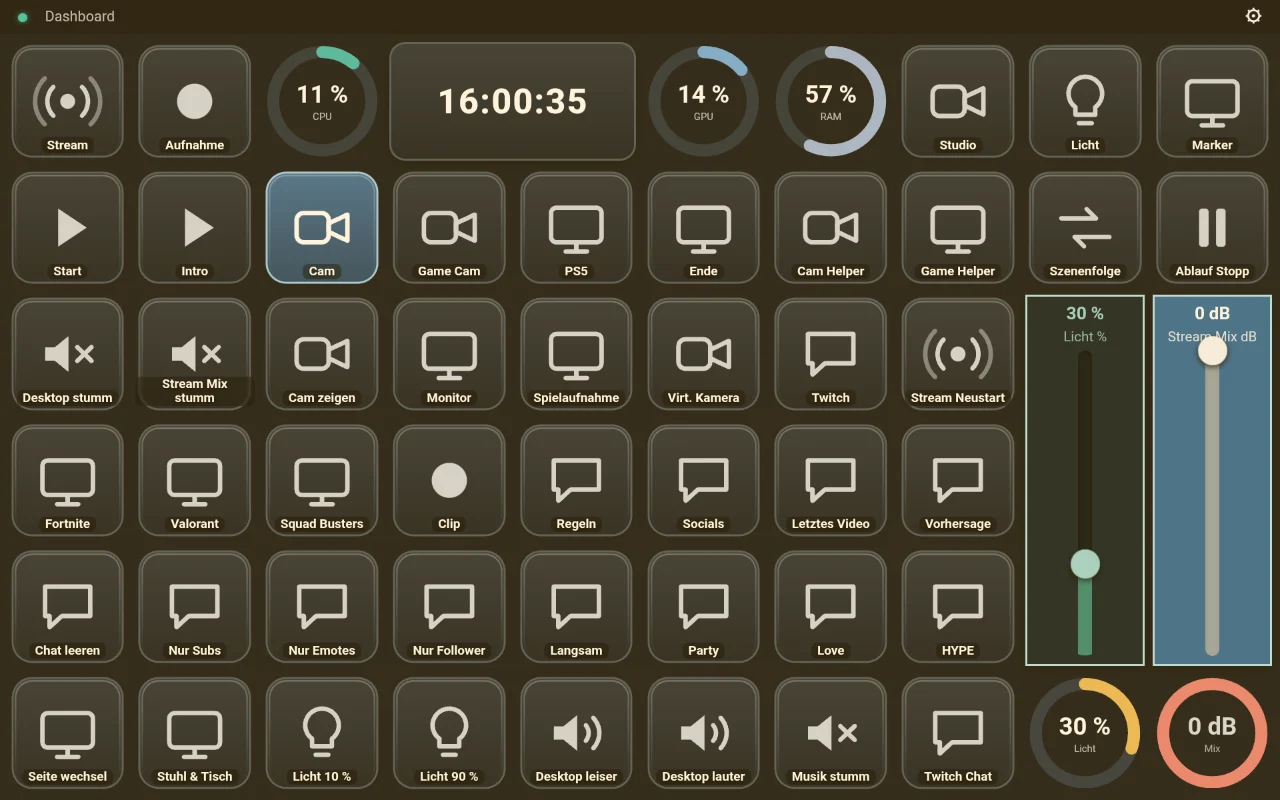
Switch OBS scenes, manage sources and combine chat actions with the rest of your stream workflow.
Streaming integrationsLaunch apps, trigger keyboard shortcuts and bring volume, music and system stats together on one screen.
Buttons and controlsDim Philips Hue lights with a fader and put your favourite lighting scenes on dedicated buttons.
Smart home integrations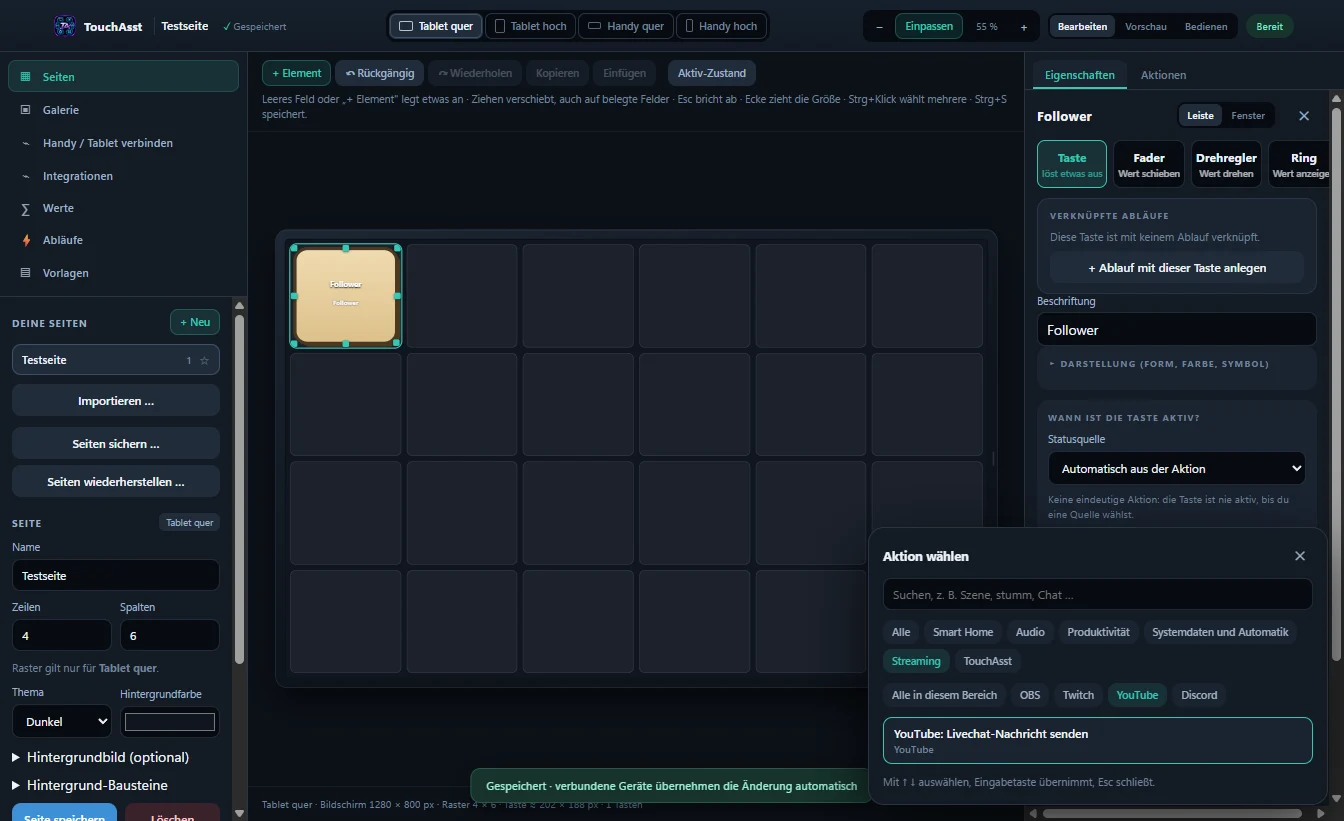
Windows and Android
Choose the controls you need for each device. Design separate layouts for phones and tablets in portrait and landscape.
Once paired over your local network, your mobile device loads the pages you save. Local control works without a TouchAsst account.
See how to set it upSee what you’ll need at launch and how the two apps work together.